








- Start with capacity. More leads don't help if you can't answer them or schedule the work.
- Call handling decides how many of your busy-season leads become jobs. Fix it before the rush, not during it.
- Pages for seasonal services need to be live well ahead, because AI visibility tends to build gradually.
- Set budget from your own history for the same season, counted in distinct people and booked jobs.
- Decide what you'll measure before the season starts, so you can judge it honestly afterward.
Most trades have a busy season: air conditioning in a heat wave, roofing after a storm, plumbing in a freeze. The businesses that do well in those weeks mostly made their decisions before them. Here's a plan that covers both places customers find you: the top of Google, where Local Services Ads sit, and the answers AI assistants give.
Capacity comes first
Before you touch a budget, answer three questions honestly:
- How many more jobs can we take each week at peak, with the crews and equipment we'll actually have?
- Who answers the phone when everyone is out on jobs, and after hours?
- Which work do we want most in a busy week, and which would we rather turn away?
If you're already booked solid at peak, more demand won't help, and paying for leads you can't serve is the most expensive way to say no. We make the same point in Managed or self-serve?: sometimes the right move is to fix capacity before buying anything.
Fix call handling before the rush
A busy season multiplies whatever your phones already do. If calls go to voicemail on a normal Friday, they'll go to voicemail more often in July.
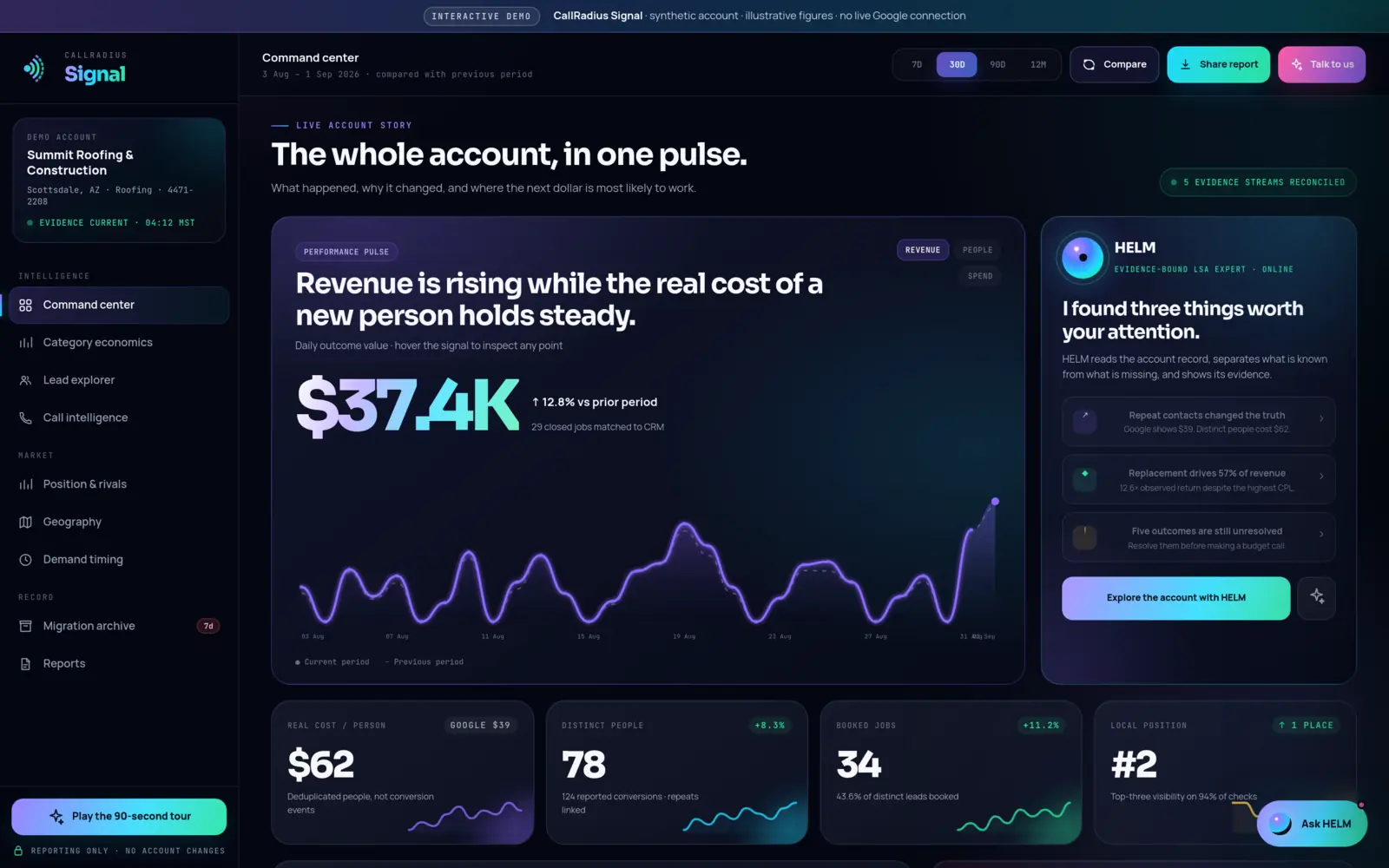
In the CallRadius Signal public demo, which uses a fictional roofing company and synthetic figures, HELM's call brief reads: calls answered inside two minutes booked at nearly twice the rate of calls returned after ten minutes, and Friday afternoons carry the clearest handling gap. The figures are illustrative, but the pattern is worth checking in your own records.
- Find your slowest hours. Look at when leads arrive and how long replies take, by hour of the week.
- Cover them. Add a person, an answering service or a callback rule for those hours.
- Write a short call script. Greeting, the questions you need answered, and a clear next step.
- Agree on a reply target. Everyone should know how fast a missed call gets returned.
Our piece on the shape of demand covers reading lead arrivals by hour and weekday in more depth.
Build reviews before you need them
Reviews help in both channels. Google says star ratings and the number of reviews affect how a business ranks in Local Services Ads, and review sites are among the sources AI answers tend to draw on. The weeks before your season are a good time to ask recent customers, while you still have the time to do it well. Ask every satisfied customer, keep it genuine, and reply to the reviews you get.
Publish seasonal pages early
When the season arrives, customers ask AI assistants questions like "who can replace a water heater this week?" or "what does a storm damage inspection involve?" If you have no page that answers them, there's nothing of yours to cite.
- List your seasonal services and the questions customers ask about each one.
- Give each service its own clear page, with what you do, where you do it and how to book.
- Publish well ahead. AI visibility tends to build gradually as pages and outside sources are found. A page published the week of the rush is late.
- Check your facts. Seasonal hours and emergency availability belong on your source of truth first. See Your business facts are infrastructure now.
Set budget from your own history
The most useful guide to next season is your last one, counted correctly. Industry averages describe someone else's market. Your own records describe yours.
- Compare like with like. Look at the same weeks last year, not last month.
- Count people, not events. Busy weeks can bring repeat calls from customers who couldn't get through. Counted as separate leads, they make a season look cheaper than it was. Here's how to count distinct people.
- Look at booked jobs by category. The service that floods in may not be the one that pays. Category economics show the difference.
- Resolve open outcomes first. If last season's booked jobs aren't matched to revenue, any return figure is incomplete.
This depends on still having the history. Google keeps Local Services history for a limited period, and CallRadius Signal archives your account data so last season's reporting stays available. If you're managed, CallRadius tunes spend to each trade's seasonal demand and the hours leads actually arrive, with cooldowns that prevent over-correction. On Local Services Ads, budget buys eligibility, so the aim is to stay visible at the right level, not to spend as much as possible.
Plan next season from your own last season, counted in people and booked jobs.
What to measure afterward
Write these down before the season starts, so you aren't choosing measures after you see the results.
| Channel | Measure | Compared with |
|---|---|---|
| Local Services Ads | Cost per distinct person and per booked job | The same weeks last year |
| Local Services Ads | Reply time and booking rate by hour of the week | Your pre-season baseline |
| Both | New reviews during the season | The same weeks last year |
| AI answers | Mentions and citations for your seasonal questions, against usable answers | The same questions before you published |
| Both | Jobs turned away for lack of capacity | Your capacity plan |
Note the date of every change you make during the season. If something improves, you'll want to know what changed and when before you credit any one decision. For the AI side, the 20-minute AI self-audit gives you a repeatable before-and-after check.
A simple timeline
Adjust the timing to your trade and how far ahead your customers plan.
- Two to three months out. Review last season's numbers. Plan capacity. List seasonal services and questions.
- About two months out. Publish seasonal pages. Update your source-of-truth facts. Start asking for reviews.
- A month out. Fix call coverage for your slowest hours. Set the budget plan and the measures you'll judge it by.
- During the season. Watch reply times and booked jobs weekly. Date every change.
- After. Compare against your written measures and keep the record for next year.
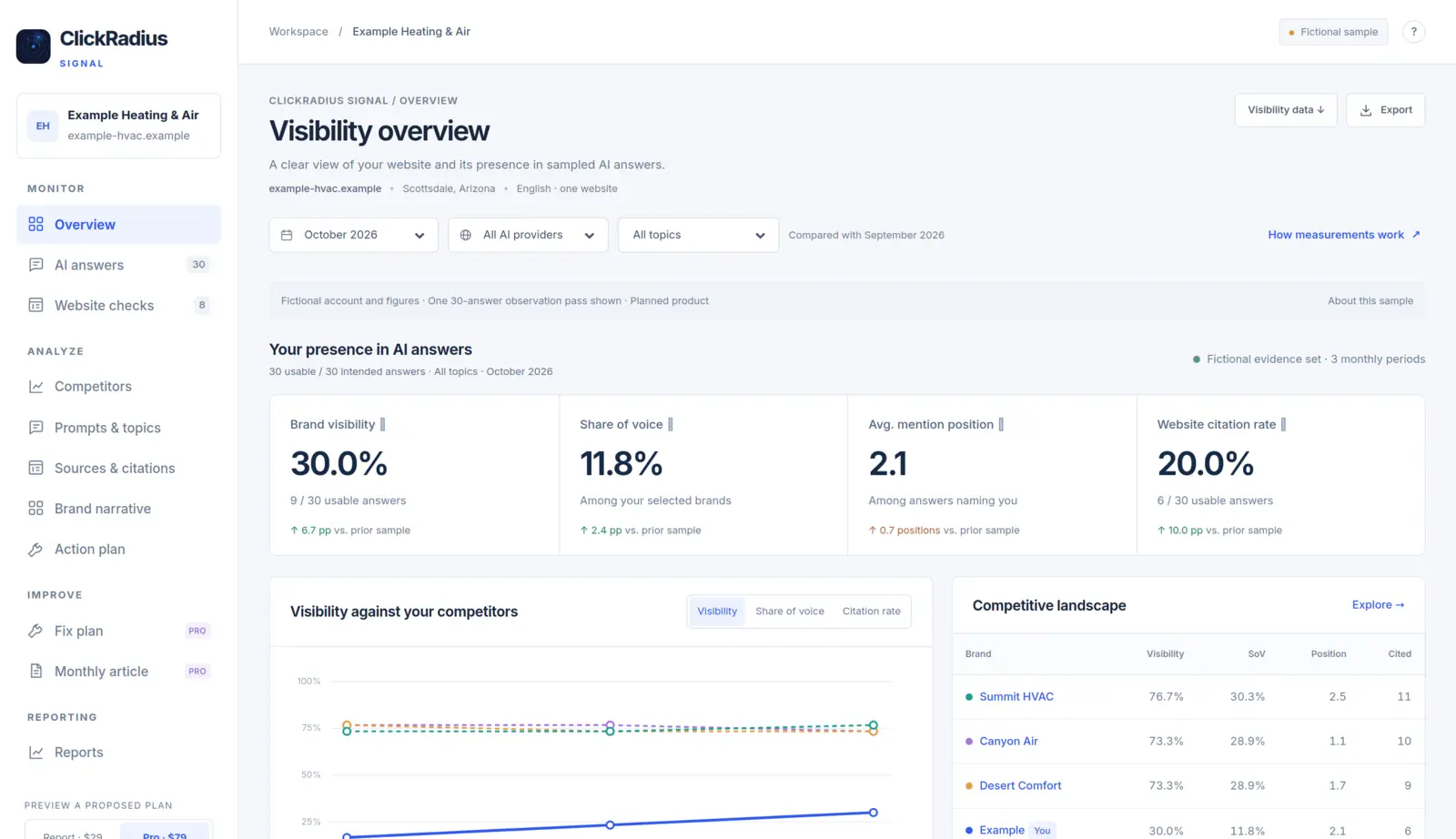
To see what a season looks like in the data, explore demand timing in the CallRadius Signal live demo, where the business is fictional and every figure is synthetic. For the AI side, start with the free AI Readiness Score.
Questions about anything in this article? Talk to a person. We answer every message.