








- Local Services Ads charge per lead, not per click. Google decides whether a contact counts as a lead using published rules for calls, messages and bookings.
- Short missed calls, callers who hang up on your phone menu, spam and repeat contacts from the same number or email within 15 days aren't charged.
- Google reassesses charged leads over 30 days and credits low-quality ones automatically. Credits aren't available in every category or region.
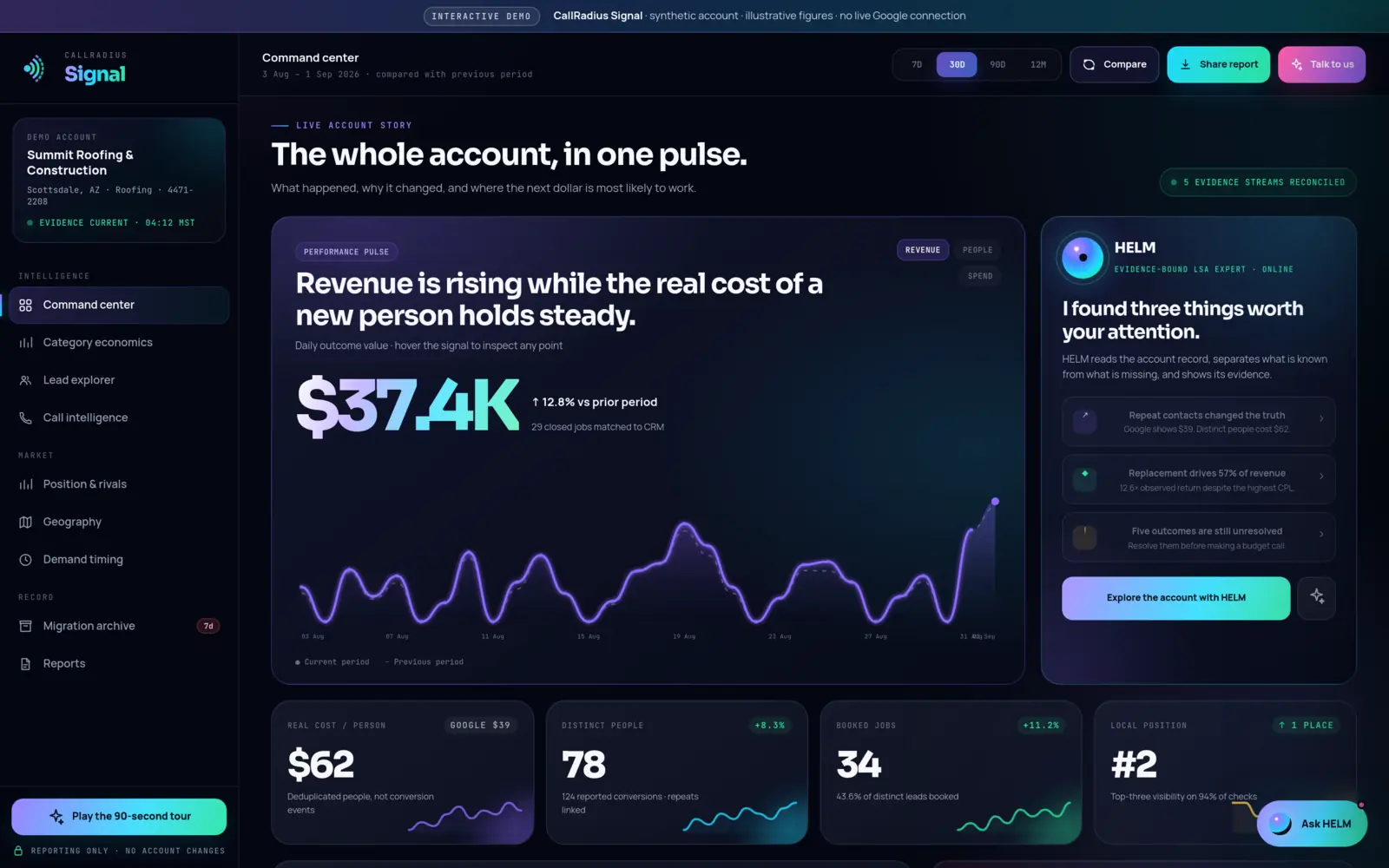
- Cost per lead isn't the same as cost per customer. Divide your spend by distinct people and booked jobs before you judge the ads.
The basic model: you pay when someone gets in touch
Google describes Local Services Ads as pay-per-lead. You aren't charged when your ad appears or when someone taps on it. You're charged when a potential customer contacts you through the ad and that contact meets Google's definition of a lead.
That makes the definition important. Here is what Google's "How leads work" page says, and nothing more.
What counts as a charged lead
| Lead type | When Google counts it |
|---|---|
| Phone call you answer | You answer the call, or you call the customer back and speak with them. |
| Missed phone call | You miss the call during your business hours and the customer stays on the line for more than 20 seconds. |
| Message | The customer sends a text, an email or leaves a voicemail. |
| Booking request | The customer sends a booking request. Google says booking leads are only available in the United States and Canada. |
Notice the missed-call rule. A missed call during your business hours can still be a charged lead. That alone is a good reason to read Answer the phone.
What isn't charged
- Short missed calls. A missed call that ends within 20 seconds isn't charged. Google also says ring time doesn't count against you when you do answer.
- Callers who hang up on your phone menu. If an automated menu plays and the caller hangs up without pressing a key, you aren't charged, even if the menu ran for more than 20 seconds.
- Repeat contacts. A customer who contacts you again isn't charged as a new lead, provided there's been interaction within 15 days and the contact comes from the same phone number or email address. After 15 days without interaction, a new contact starts a new lead.
- Spam and duplicates. Google says its automated systems filter out invalid activity such as spam or duplicate contacts.
- Leads judged invalid at first contact. Google assesses each lead when the customer first gets in touch, and leads it judges invalid or low quality aren't charged.
What a lead costs
Google doesn't publish a fixed price list. It says lead prices may vary depending on your location, the job type, the type of lead and your bidding mode.
On message leads specifically, Google says they're typically priced lower than phone leads, although that isn't always the case. Message pricing reflects how likely the customer is to book, using factors such as the lead type, the service requested, whether the customer contacted other advertisers and their earlier engagement with ads.
For accounts in the original Local Services portal, Google says monthly spend is capped at your average weekly budget multiplied by the average number of weeks in a month.
Credits for invalid leads
Google's current help pages describe a largely automatic credit process.
- Screening at first contact. Invalid or low-quality leads aren't charged in the first place.
- Reassessment over 30 days. Charged leads are reassessed by Google's models, and may be credited automatically if they're later judged low quality. Google notes some poor-quality leads may be credited within the first 24 hours.
- Credits land later. Google says in most cases credits are applied to your account balance within 30 days, and the original charge still appears on your invoice.
- Your feedback. You can rate a lead from the Leads page, which opens a short survey.
Some limits Google states plainly:
- Lead credits aren't available for health care categories, tax specialists or advertisers in Europe, the Middle East and Africa.
- Google no longer supports credits for "job type not serviced" or "geo not serviced" leads. If you don't do a job or don't serve an area, remove it from your settings rather than counting on a credit.
Disputing a lead
Google's Local Services help still says that if you believe a lead isn't valid, you can dispute it, that a successfully disputed lead is credited back in the US and Canada only, and that disputes aren't available for health care categories.
For accounts that have moved to Google Ads as Performance Max campaigns with pay-per-lead goals, Google's help describes credits as applied automatically, and a Charge Status column showing whether each lead is charged, not charged, in review or automatically credited. That page doesn't describe a manual dispute process. If you've migrated, check what your own account offers before relying on disputes.
Bidding modes
How you bid depends on whether your account is still in the original Local Services portal or has moved to Google Ads.
| Where your account is | Bidding options Google describes |
|---|---|
| Original Local Services portal | Maximize leads: Google sets your bid to get the most leads for your budget, and recommends it. Target cost per lead: an optional target under Maximize leads that aims to keep your average cost near the figure you set. Max per lead: manual bidding, where you set the most you'd pay for a lead. |
| Google Ads (Performance Max with pay-per-lead goals) | Automated bidding only, with Maximize Conversions as the default. A single campaign-level target cost per lead replaces targets by service category. Manual bidding, such as a maximum cost per lead, is no longer supported. |
Google says it takes about two weeks to see accurate results after a bidding change, as its model learns. On migrated accounts, Google warns that if your target is too low for your local market, your ads may not serve, and it says to allow up to two weeks after migration for performance to stabilize. Both are good reasons not to change settings every few days.
Budgets change shape on migration too. Google says your average weekly budget is divided by seven to set a daily budget, and monthly spend is capped at that daily budget times 30.4. The background on the move is in What are Google Local Services Ads?
From cost per lead to cost per customer
Google's charging rules answer one question: what did you pay for? They don't answer the question that matters to your business: what does a new customer cost?
Those can be very different numbers. Google's 15-day rule stops a repeat call from the same number being charged twice, but a single customer can still show up more than once in your lead reports. They might call from a mobile and then message from an email address, or come back after the window closes. And a lead that never books costs you the same as one that does.
Here's an illustrative example with round, made-up figures. Say you spend $3,000 in a month and see 100 leads: $30 a lead. If those leads came from 75 distinct people, you paid $40 a person. If 25 of them booked, you paid $120 a booked job. Same spend, three very different answers.
Your bill is per lead. Your business runs per customer.
We walk through how to measure this yourself in a spreadsheet in Google says $39. The real number is $62.
Where CallRadius and Signal help
CallRadius, our managed service, uses AI to classify every incoming lead within minutes. Only classifications above an 85% confidence threshold are flagged for honest feedback through Google's lead rating, and ambiguous leads go to a person. Google decides any credit. The credit rate then feeds back into budget decisions, so markets and hours that produce junk get less spend. CallRadius is $499 per Local Services account per month, and Google ad spend is paid separately to Google.
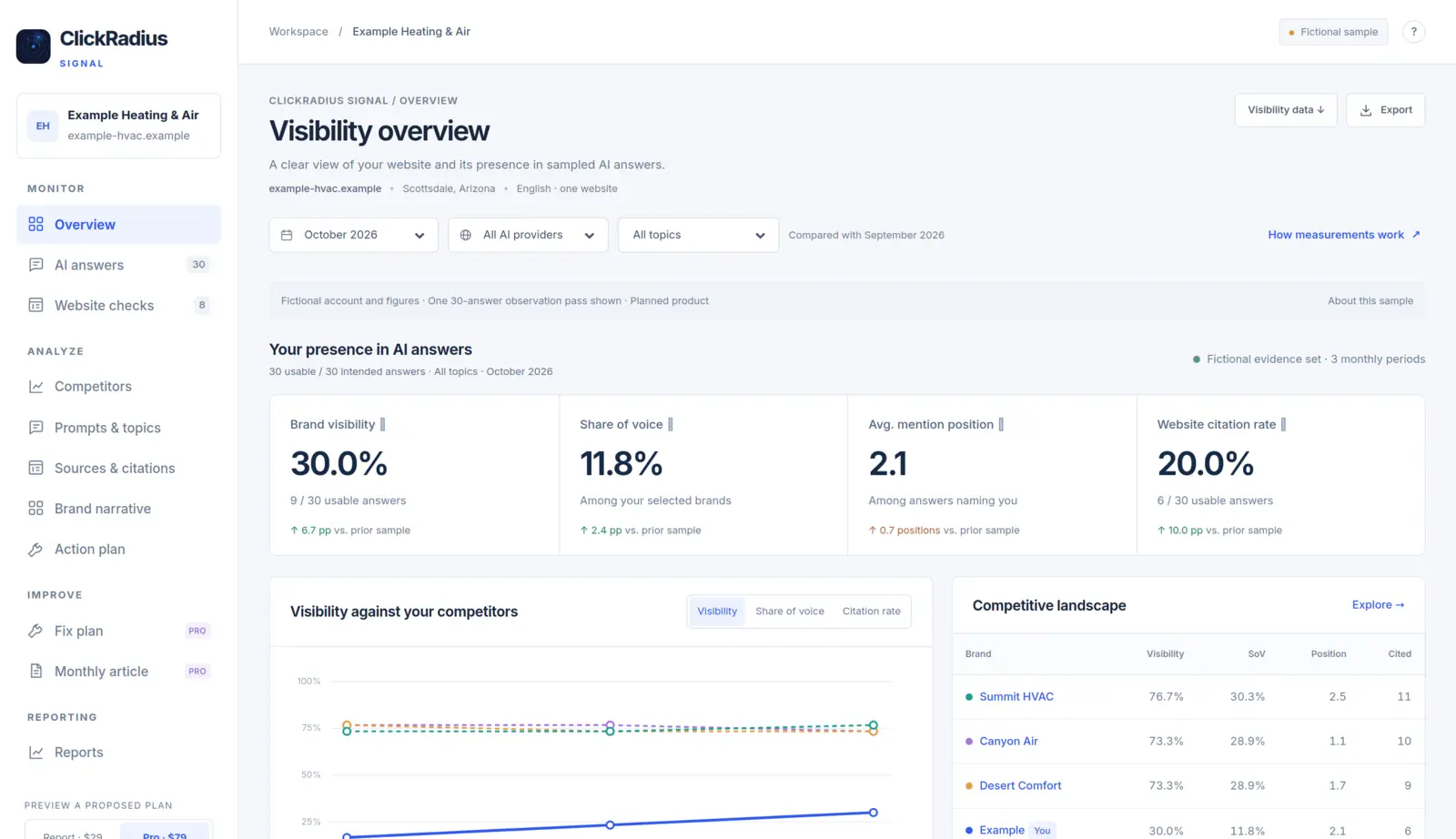
If you run your own ads, CallRadius Signal shows real cost per person rather than per conversion event, along with each lead's charge state, category economics and timing. It's read-only, so it can't change your account. Signal is built, and enrollment is opening soon.
Next steps
- Check your business hours. Missed calls in those hours can be charged.
- Trim job types and areas you don't serve. Google no longer credits those leads.
- Review charge status monthly. Rate poor leads, and dispute where your account allows it.
- Leave bidding alone long enough to learn. Give changes about two weeks.
- Calculate cost per person and per booked job. Use those, not cost per lead, for budget decisions.
Questions about anything in this guide? Talk to a person. We answer every message.