








- Local Services Ads are pay-per-lead ads for local service businesses. They appear at the top of Google Search, and you pay when a customer contacts you through the ad, not when they click.
- Only certain business categories are eligible, the list differs by country, and every business has to pass Google's screening and verification.
- Google ranks the ads in an auction that weighs your bid and how likely you are to earn a lead. Responsiveness, reviews, relevance and profile quality all feed in.
- Google is moving Local Services Ads into Google Ads as Performance Max campaigns with pay-per-lead goals. The move started in the US in August 2026 and runs into 2027.
What Local Services Ads are
Google describes Local Services Ads as "pay-per-lead listings for verified local service providers." Instead of writing ad copy and bidding on keywords, you build a business profile: your services, service area, hours, photos, reviews and verification. Google turns that profile into the ad.
A Local Services ad shows your business name, your city, your hours, your star rating and number of reviews, and a badge if you've passed Google's verification. A customer can tap it to call you, send a message or, where available, request a booking.
The basic deal is simple. You only pay when a potential customer gets in touch through the ad. Seeing your ad costs nothing, and neither does a click that doesn't turn into contact.
Where they appear
Google says Local Services Ads appear at the top of the page in Google Search results, in the areas you choose to serve. When someone searches for a service you offer, in a place you cover, your ad can show above the regular results.
When your ad isn't running, because it's outside your schedule or paused, Google says a free version of your listing may still be displayed.
Who can use them
Local Services Ads are only open to certain service categories, and Google keeps a separate getting-started page for each country, each with its own list. Some examples from Google's own US materials:
- Home services: electricians, plumbers, HVAC, roofers and many more.
- Professional services: lawyers in a range of practice areas, real estate agents, financial planners and tax specialists.
- Health and wellness: dentists, optometrists, chiropractors and other health care providers.
- Other local services: tutors, driving instructors, child care, pet grooming, veterinarians, auto, beauty and restaurants.
Eligibility can also depend on where you are inside a country. In the US, Google lists some categories, such as architects, interior designers and insurance agencies, as available only in California and Florida. Outside the US, the lists are different again. The quickest way to know for sure is Google's own eligibility checker on the Local Services sign-up page, which asks for your category and area.
How they differ from regular Google Search ads
Both appear on Google Search, and both are paid. That's where most of the similarity ends.
| Local Services Ads | Regular Search ads | |
|---|---|---|
| What you pay for | A lead: a call, message or booking request that meets Google's rules | With cost-per-click bidding, each click on your ad |
| What the ad is built from | Your verified business profile, reviews and photos | Ad text and keywords you write and choose |
| Who can run them | Eligible categories only, after screening and verification | Most businesses that follow Google's ad policies |
| Badge | Google Verified, once you pass the checks (not offered in every category) | None |
| What ranking leans on | Bid plus likelihood of a lead: responsiveness, reviews, relevance, profile quality | Ad Rank: your bid, the quality of your ads and landing page, and other factors |
The practical difference for an owner: with Local Services Ads, how you run the business shows up in the ads. Answering the phone, earning reviews and keeping your profile accurate aren't separate from advertising. They're part of it.
How Google ranks Local Services Ads
Google's help page on ad rankings says provider listings are ranked in an auction, and the highest-ranked ads show first. It names two main inputs: your bid and your likelihood of earning a lead. Here is what Google itself lists, without additions.
- Your bid. The most you're willing to pay for a lead. Google notes you may pay less.
- Responsiveness. Google says plainly: "Missed calls may negatively affect your responsiveness." Average response time is also part of profile quality.
- The context of the search. The service requested, the time of the search, the customer's location and other characteristics of the search.
- Relevance. How well your listed services and business bio match what the customer searched for.
- Contact options. Turning on message and booking leads gives customers more ways to reach you, which Google says matters especially during nights and weekends when you can't answer the phone.
- Profile quality. Your rating, number of reviews, average response time, use of high-quality images and the verification checks you've completed. Google says higher-quality profiles, including those with images, may rank higher and may also pay lower costs per lead.
Two more points from the same page are worth knowing. If several of your locations serve the same area, Google shows only your highest-ranking ad for a given search. And Google says it is always running experiments, and that ranking also considers the overall health and diversity of the Local Services Ads ecosystem. In other words, ranking isn't a fixed formula you can reverse-engineer.
Your profile and reviews
Your profile is your ad, so treat it like one.
- Reviews. Google says star ratings and number of reviews affect how your business ranks within Local Services Ads. Reviews are now managed through your Google Business Profile, not inside the Local Services account. Google recommends having five or more reviews, and notes that depending on your business type you may need five reviews to show at all.
- Photos. Google says high-quality photos can help you stand out and get more leads. Use real photos of your team, your work and your vehicles, and don't upload photos that identify customers.
- Job types and service area. Google recommends selecting every job type you actually perform. Only list areas you can genuinely serve quickly, because slow arrivals turn into slow responses and unhappy customers.
- Business facts. Name, address and hours need to be right everywhere. For accounts that have moved to Google Ads, Google says these sync from your Google Business Profile and must be edited there. Why this matters beyond ads is covered in Business facts are infrastructure.
Budgets and bidding
You set a budget, and Google spends it on leads. How you bid depends on where your account currently lives, because Google is partway through a change.
In the original Local Services Ads portal
Google's bidding page describes three modes. Maximize leads lets Google set your bid to get the most leads for your budget, and Google recommends it. Target cost per lead is an optional target inside Maximize leads that aims to keep your average cost near a figure you choose. Max per lead is manual bidding, where you set the most you'd pay for a lead. Budgets are set weekly, and Google says monthly spend is capped at your average weekly budget times the average number of weeks in a month. Google also says it takes about two weeks to see accurate results after a change, while its model learns.
After the move to Google Ads
Accounts that have moved to Performance Max with pay-per-lead goals work differently. Google says manual bidding, such as a maximum cost per lead, is no longer supported. Campaigns use automated bidding, with Maximize Conversions as the default, and a single campaign-level target cost per lead replaces targets set by service category. Weekly budgets are converted to daily budgets by dividing by seven, and monthly spend is capped at the daily budget times 30.4.
For what you're actually charged for, and how invalid leads are credited, see How Local Services Ads charge for leads.
The 2026 move into Google Ads
Google is moving Local Services Ads advertisers into Google Ads, where they become Performance Max campaigns with pay-per-lead goals. Google's own timeline:
- August 2026: the first phase began for select US home and storefront service advertisers, including plumbing, HVAC, electrical, appliance repair, house cleaning, lawn care, roofing, pest control and moving.
- Late 2026: broader groups, including service-area businesses without storefronts.
- 2027: accounts outside the US and any remaining categories.
Google says account administrators get an email 14 days before their migration and a reminder seven days before. Your setup moves automatically: locations, service types, categories, budget limits, ad schedule, photos, past leads and call recordings. Your verification and Google Verified badge carry over. What doesn't move is your historical performance reporting. Google says Local Services performance reports won't transition, and it advises taking screenshots of them before you migrate.
Google also says to allow up to two weeks after migration for performance to stabilize. Plan around that if your migration lands near your busy season.
Where CallRadius and Signal fit
If you'd rather not run Local Services Ads yourself, CallRadius is our managed service. Our platform reviews each account's budget every two hours, uses AI to classify every incoming lead, transcribes and grades every recorded call, and checks your position on a regular cadence, with an experienced LSA manager owning strategy. It's $499 per Local Services account per month, month-to-month, with nothing charged until Google approves your account and it can receive leads. Google ad spend is separate and paid to Google.
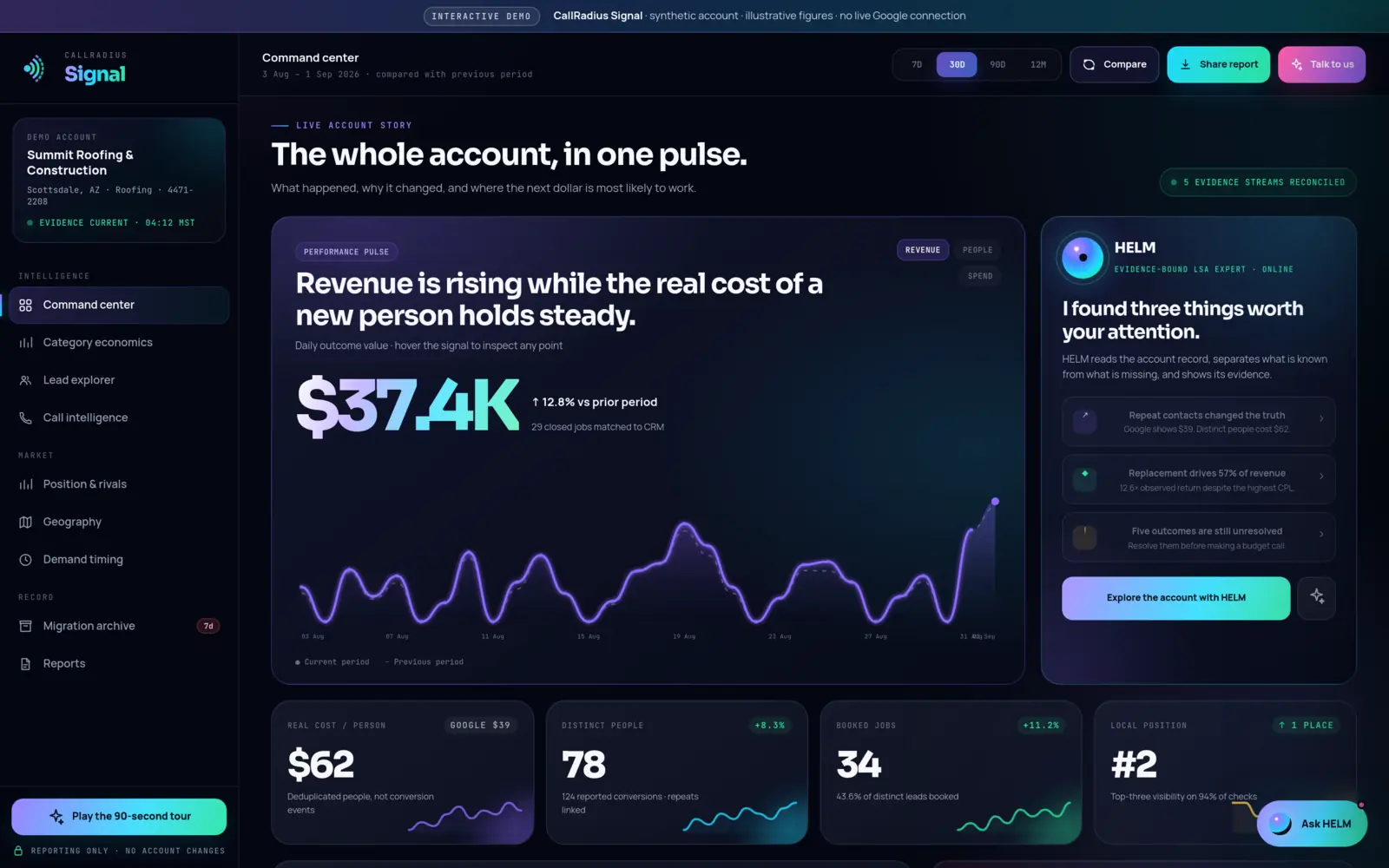
If you want to keep running your own ads but see them more clearly, CallRadius Signal is a read-only reporting product: real cost per person, category economics, geography and timing, with HELM to explain your account. It can't change your ads. CallRadius Signal is built, and enrollment is opening soon. Managed or self-serve? helps you choose.
Next steps
- Check eligibility. Use Google's eligibility checker for your category and area before doing anything else.
- Gather your documents. Business registration, licenses and insurance certificates, depending on your category. Google says verification takes three to four weeks on average after you submit documents.
- Get your Google Business Profile in order. Verified, accurate hours and a plan for earning reviews.
- Decide who answers. Before leads arrive, know who picks up calls and replies to messages, and when.
- Save your reports. If you already advertise, back up your history before your account moves to Google Ads.
- See where you stand. The free LSA Score reads your public market position in about a minute, with no Google account connection required.
Questions about anything in this guide? Talk to a person. We answer every message.